How to Nail a Remote Job Interview
 Lena Anderson
I still remember the frantic, sweaty-palmed chaos of my first big virtual meeting back when I was grinding in corporate finance. I was sitting in my tiny apartment, desperately trying to hide a pile of laundry just out of the camera's frame, while my heart hammered against my ribs like a drum solo. We’ve all been there—staring at a glowing screen, wondering if we look professional or if we just look like we’re trapped in a digital box. Most of the advice you find online about remote job interview tips feels incredibly sterile, like it was written by a robot who has never actually felt the sting of a lagging Wi-Fi connection or the panic of a sudden doorbell ring.
I’m not here to give you a checklist of corporate buzzwords or tell you to buy a thousand-dollar ring light. Instead, I want to share the real-world strategies I’ve gathered from years of coaching and my own career pivots. We’re going to focus on how to stay grounded, how to master your tech without losing your mind, and how to let your true personality shine through the pixels. My promise to you is simple: no fluff, just honest, actionable guidance to help you land that dream role while keeping your sanity intact.
Table of Contents
Overcoming Digital Interview Anxiety With Grace
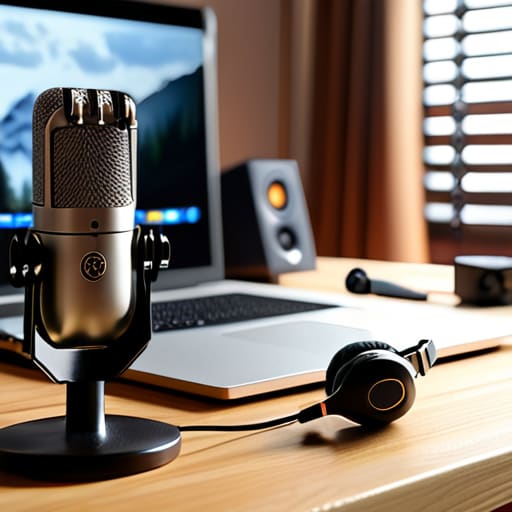
Let’s be real: staring at your own reflection in a tiny little box while waiting for a recruiter to join the call can be nerve-wracking. It’s easy to spiral into "what if" territory. To combat this, I always tell my clients that preparation is the ultimate antidote to panic. Instead of letting the tech jitters take over, spend ten minutes doing some quick remote interview technical troubleshooting before the clock starts ticking. Check your mic, test your audio, and make sure your connection is solid. When you know your tools are working, you can stop worrying about the how and start focusing on the who—you!
Once the tech is sorted, shift your focus to your environment to create a sense of calm. I’m a huge believer in the power of a clean, intentional space. Finding a simple, professional background for video calls—even if it’s just a tidy corner of your living room—acts like a visual deep breath for both you and the interviewer. If you feel your heart racing, take a moment to practice a quick mindfulness minute. Remember, you aren't just a face on a screen; you're a talented professional ready to shine.
Mastering Video Call Etiquette for Candidates
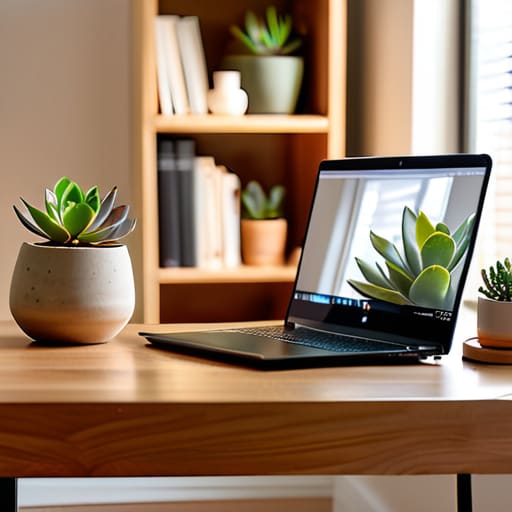
Now, let’s talk about the "stage" you’re performing on. Even though you’re sitting in your living room, think of your video feed as your digital handshake. First things first: let’s nail that professional background for video calls. You don't need a dedicated home office, but try to find a spot that isn't cluttered with laundry piles or distracting posters. A simple, neutral wall or a tidy bookshelf works wonders. While we're at it, don't forget your virtual interview lighting setup. Aim to have your main light source in front of you rather than behind you—unless you’re trying to look like a mysterious silhouette in a spy movie, which, let's be honest, probably isn't the vibe we're going for!
Beyond the scenery, mastering video call etiquette for candidates is all about presence. Keep your eyes on the camera lens, not just the screen; it creates that much-needed sense of eye contact. Also, try to minimize those tiny distractions, like phone notifications or a barking dog, so you can stay fully present in the conversation.
Beyond the Screen: 5 Ways to Truly Shine in a Virtual Interview
- Curate your backdrop like a pro—you don't need a fancy studio, but a tidy, well-lit corner tells the interviewer you're organized and respect the professional space you're creating.
- Master the "digital eye contact" trick by looking directly into your camera lens rather than at your own face on the screen; it makes the recruiter feel like you're actually looking them in the eye.
- Prep a "tech emergency kit" nearby with your phone charger and a hotspot ready to go, so a sudden Wi-Fi hiccup doesn't derail your confidence or your flow.
- Treat your audio as seriously as your outfit; use a decent headset if you can, because nothing kills a great professional vibe faster than sounding like you're underwater.
- Keep a physical notepad and a favorite pen handy to jot down key points, which helps you stay engaged and shows you're actively processing the conversation without needing to click around on your screen.
Quick Wins for Your Next Virtual Interview
Treat your tech like your morning yoga flow—prepare it ahead of time so you can actually be present and centered when the camera turns on.
Remember that etiquette isn't about being a robot; it’s about creating a comfortable space where your personality can shine through the screen.
Don't let a glitchy connection shake your confidence; stay flexible, keep breathing, and remember that how you handle the hiccups matters just as much as your answers.
Finding Your Zen Behind the Screen
"Remember, that little camera lens isn't a judge—it's just a window. Don't let the tech distract you from the magic of your actual personality; show up as your authentic self, breathe through the glitches, and let your confidence shine brighter than your ring light."
Lena Anderson
You've Got This!

At the end of the day, mastering the remote interview is about more than just having the perfect lighting or a stable Wi-Fi connection. It’s about the way you manage your energy, from calming those pre-call jitters to navigating the subtle nuances of digital etiquette with confidence. Remember, we’ve covered how to prep your tech, how to show up authentically on camera, and how to keep your anxiety in check so your true personality can shine through the screen. When you combine these practical logistics with a little bit of mindful breathing, you aren't just showing up for a meeting; you are presenting the best version of yourself to a potential new team.
As you move forward into your next big opportunity, please don't forget that a job interview is a two-way street. While you are working hard to impress them, make sure you are also checking in with yourself to see if this role aligns with the life you want to build. Success shouldn't feel like a constant uphill battle; it should feel like a step toward a career that nourishes your soul and your bank account alike. Take a deep breath, trust your preparation, and remember that you are more than just a candidate—you are a professional with incredible value to offer. Now, go get 'em!
Frequently Asked Questions
What should I do if my internet connection suddenly cuts out right in the middle of a question?
Deep breaths—it happens to the best of us! If the screen freezes, don't panic. As soon as you're back, send a quick, polite email or message to your recruiter. Say something like, "So sorry about that technical glitch! I'm back online now if you're still available, or I'm happy to reschedule." Showing you can handle a crisis with calm professionalism actually makes you look like a total rockstar. You've got this!
How can I convey my personality and enthusiasm through a screen without feeling awkward or over-the-top?
I totally get it—trying to "act" enthusiastic on camera can feel like you're performing in a weird one-person play. My best tip? Focus on your eyes, not just your mouth. Instead of forced, wide smiles, try to "smile with your eyes" by leaning slightly toward the camera. And don't be afraid to use your hands naturally! A little bit of movement makes you feel human, not just a talking head in a box.
Is it okay to have a few notes or a cheat sheet visible on my desk, or does that look like I'm not prepared?
Oh, I get this question all the time! Honestly? Yes, please! Having a few bullet points or a cheat sheet is actually a total pro move. It shows you’ve done your homework and care about the details. Just a quick tip from my coaching toolkit: don't read from them like a script. Keep them as subtle prompts so you can stay engaged with the camera. Think of them as your safety net, not your teleprompter!


